
Digital learning
Digital learning and BYOD
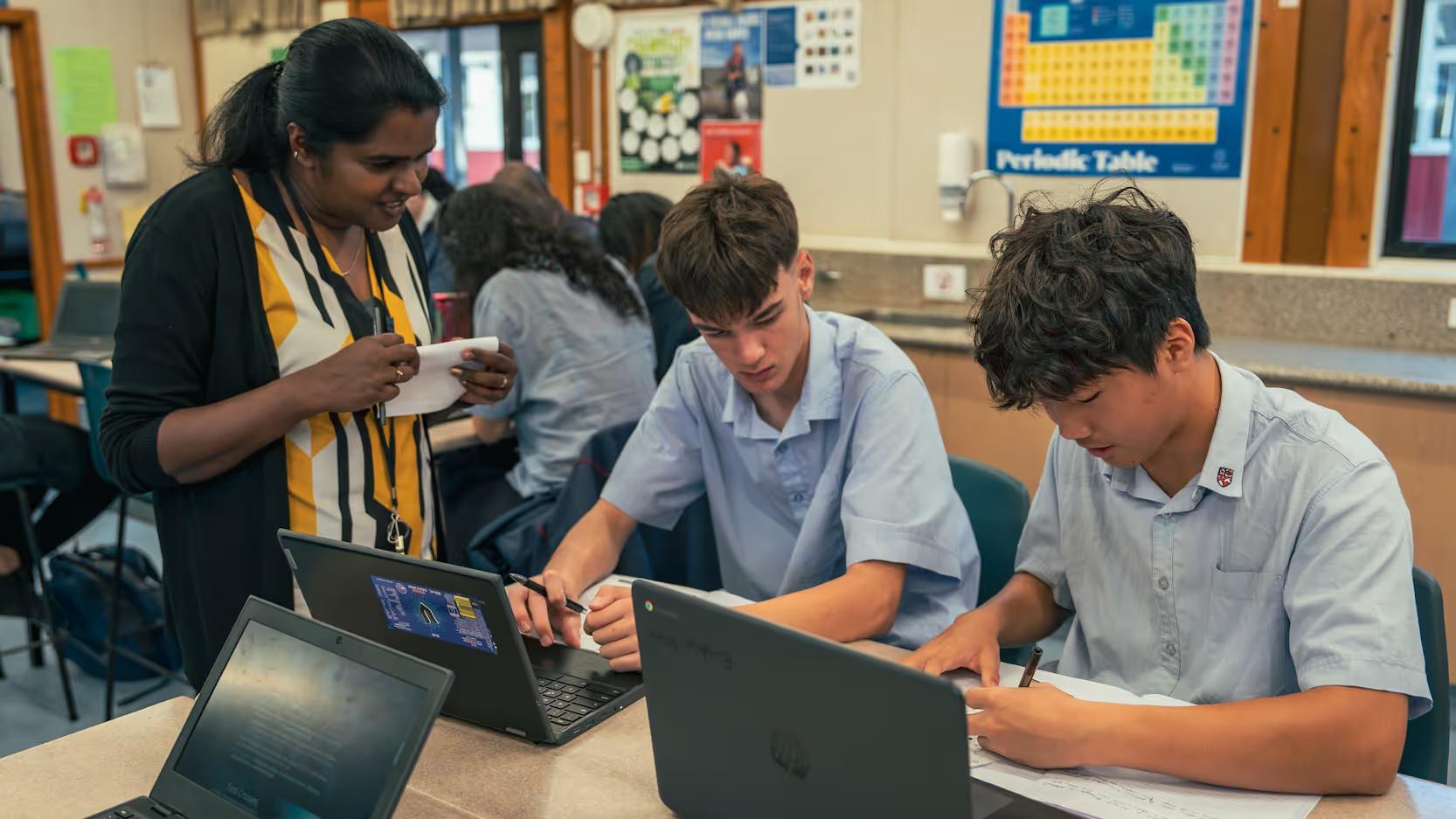
At Rosehill College, we are committed to leveraging digital technologies to enhance our students' learning experiences. As part of this commitment, all students are recommended to have a personal digital device, which they will use to access educational resources, collaborate with peers, and engage in interactive learning activities.
Cybersecurity and BYOD Agreement
To ensure a safe and effective digital learning environment, we require all parents and caregivers to review and agree to our Cybersecurity and BYOD Agreement before their child is enrolled at Rosehill College. This agreement outlines the responsibilities and expectations for both students and parents regarding the use of digital devices and online behaviour.
By adhering to these guidelines, we aim to provide a secure and productive digital learning environment that supports our students' educational growth and prepares them for the future. Please take the time to read through the Cybersecurity and BYOD Agreement to understand the policies and procedures in place to protect and enhance your child's digital learning experience at Rosehill College.
Rosehill College digital usage guidelines

E-learning and choosing a device
At Rosehill College, all students benefit from the additional learning opportunities that a digital device provides, making it a necessary learning tool. Each student's device will need to connect to the Rosehill College wireless network, and some devices will be better suited to this task than others. Rosehill College recommends a Chromebook as a functional and affordable tool that gives students access to Google applications, which teachers use to manage resources, lessons, and assessments. Other devices, such as laptops and tablets, will also work within our IT infrastructure.
Recommended Chromebook specifications
The following minimum specifications for a Chromebook are recommended.
| Specification | Recommended minimum |
|---|---|
| Memory size | 2GB |
| Screen size | 11.6 inches |
| Screen resolution | 1366×768 |
| SSD or HDD capacity | 16GB |
| Operating system | Chrome OS |
The Google tools students use
- Gmail
- Email service
- Classroom
- Software for receiving and submitting classwork
- Drive
- Cloud-based office productivity software (documents, spreadsheets, calendar, forms)
- Meet
- Online video conferences
- Sites
- Website creation software
- YouTube
- Video service
eLearning at Rosehill College
Chromebooks are browser-based devices that provide users with access to the web through the Google Chrome browser, allowing all teachers and students to access the suite of Google tools.
The New Zealand Curriculum explicitly states that our vision is to foster young people who will be "confident, connected, actively involved and lifelong learners" (NZC, 2007). The Technology learning area within the New Zealand Curriculum strengthens the positioning of digital technologies to ensure that all learners have the opportunity to become digitally capable individuals. This provides a greater focus on students building their skills so they can be innovative creators of digital solutions, moving beyond solely being users and consumers of digital technologies.
Cyber security
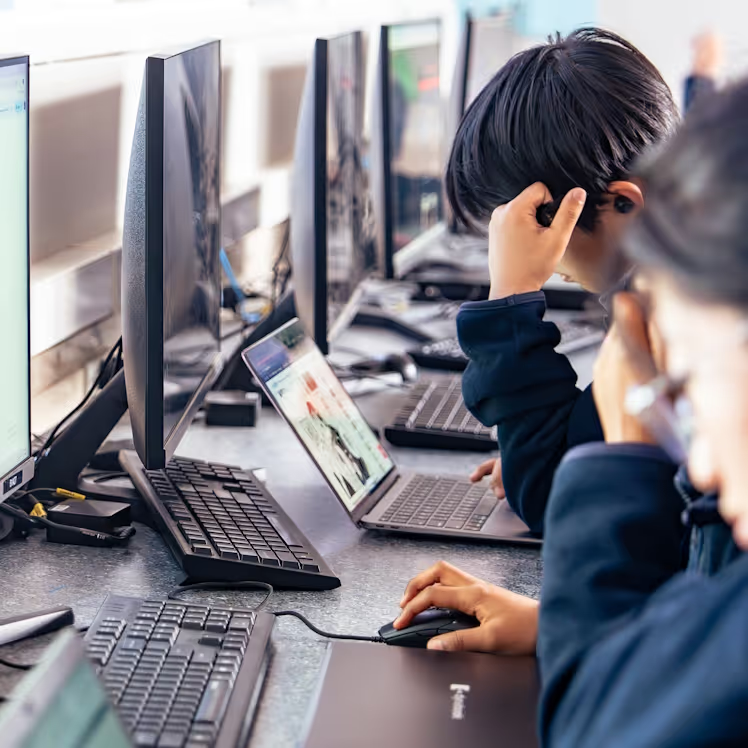
At Rosehill College, we understand the importance of providing a safe and secure digital environment for our students while also harnessing the vast educational resources available online.
As parents, we encourage you to actively engage in promoting cyber safety awareness. To assist you in this endeavour, we have compiled a comprehensive list of tools and tips to protect your children online. Here is the link.
Furthermore, we strongly recommend familiarising yourselves with cyber safety issues through resources such as Netsafe, a New Zealand organisation dedicated to educating and safeguarding against online threats. Visiting their website is highly recommended.
Your partnership in promoting cyber safety is invaluable. Together, we can ensure a secure and enriching digital learning environment for all our students.
More on devices at school
Read our mobile phone policy, or find out how to get support with learning at Rosehill College.